
Krikya App in Bangladesh 2026 — Download APK for Android and iOS
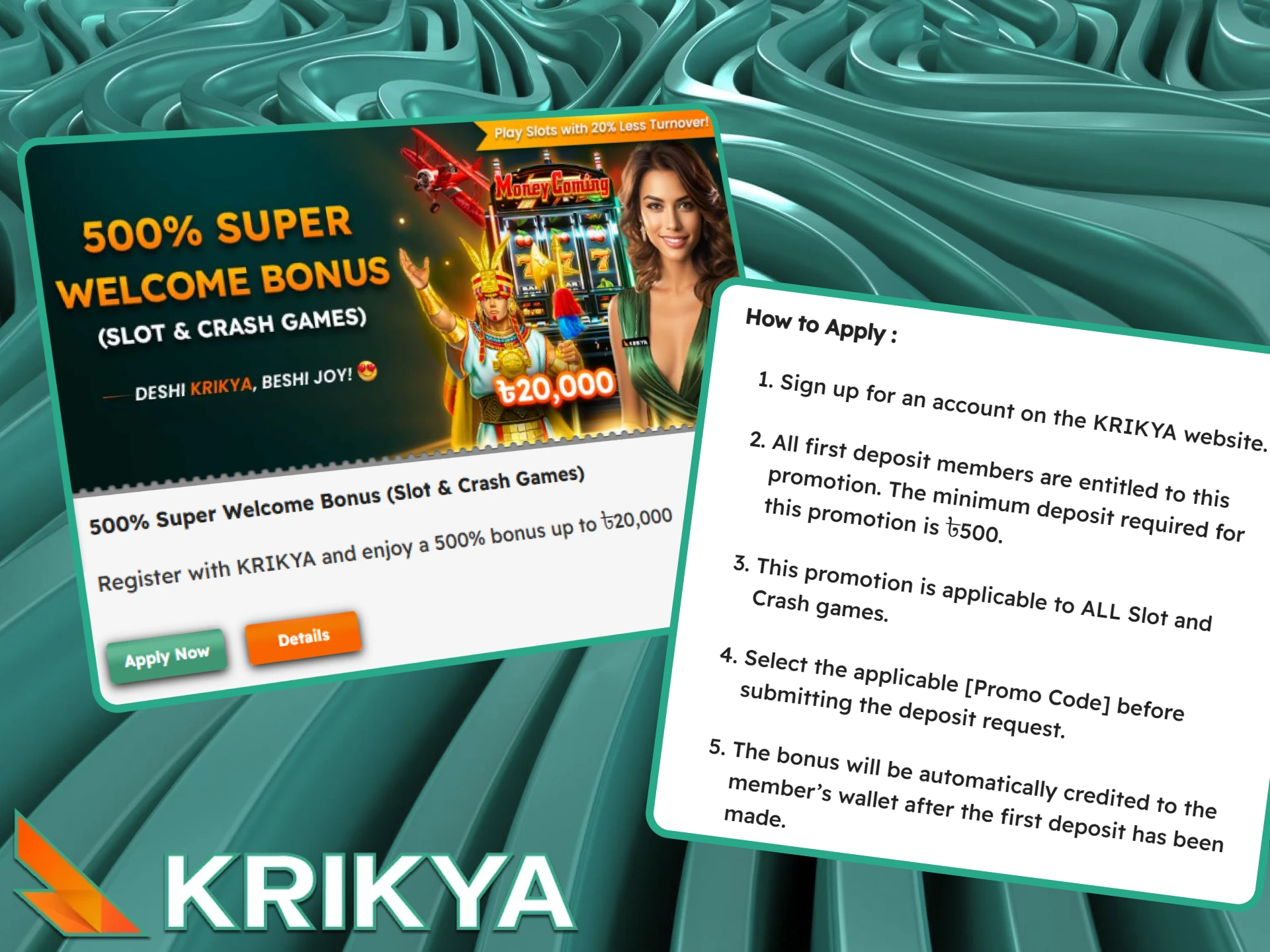
Any user from Bangladesh can download Krikya apps for free and get extra bonus for installation. In addition, we give 500% Super Welcome Bonus up to BDT 20,000 to all new users. Use promo code KRIKYABDDWIN when registering and pick up even more awesome prizes. On this page we want to tell you in detail how to download Krikya apps on Android and iOS, register and start using them.

App Details
With our app for Android and iOS, you can manage account, make transactions and play our casino games anytime and anywhere.
| Package Name | com.krikya.krikya |
| Developer Name | Krikya |
| Version Number | 1.6 |
| Krikya APK Size | 6,2 MB |
| Size after Installation | 59,55 MB |
| Device Compatibility | Smartphones, Tablets, PC |
| Permissions Required for Android | For unknown sources in settings to install APKs outside the Play Store |
| Permissions Required for iOS | No |
| User Ratings | 4,9 |
| App Category | Casino, sport betting, live dealer games |
| OS Compatibility | Android 6.0 / iOS 11.0 |
| License | Curacao |
| Application Language | Bengali, English |
| Currencies | BDT |
| Available on the Play Market | No |
| Available on the App Store | No |
| Available on our Official Site | Available, link |
| Payment Methods | BKash, Nagad, Rocket, Upay, FastPay |
| Cost of Loading | Free |
| Support | Live Chat, email |
| Download Link | Download now |
How Much Mobile Data Does the Krikya App Use?
Bangladesh mobile plans often come with daily or monthly data limits – knowing how much the Krikya app consumes per activity helps you decide when to use mobile data and when to switch to Wi-Fi.
The table below shows estimated data usage per hour for each type of activity in the app.
| Activity | Data per hour |
| Sports betting – pre-match (no streaming) | 5–10 MB |
| Live betting with real-time stats | 10–20 MB |
| Aviator and crash games | 10–20 MB |
| Casino slots | 20–35 MB |
| Live casino with dealer (SD quality) | 150–250 MB |
| Live cricket streaming (SD) | 150–300 MB |
| Live cricket streaming (HD) | 300–500 MB |
| Deposits and withdrawals only | Under 1 MB |
Download Krikya App on Android (APK) in 6 Simple Steps
To make sure you have no problem with Krikya app download for Android, we have prepared a quick step-by-step guide for you. Use it to make the setup process faster. Krikya APK can be downloaded as follows:
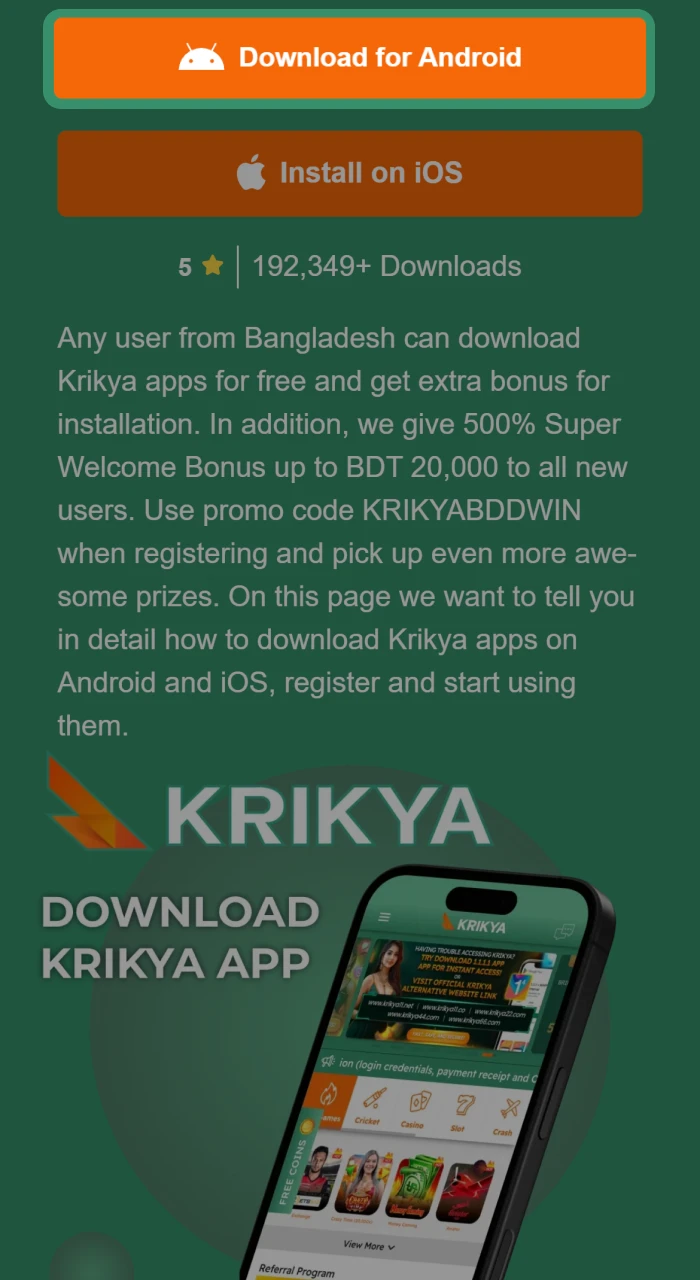
Step 1 Click Download for Android button
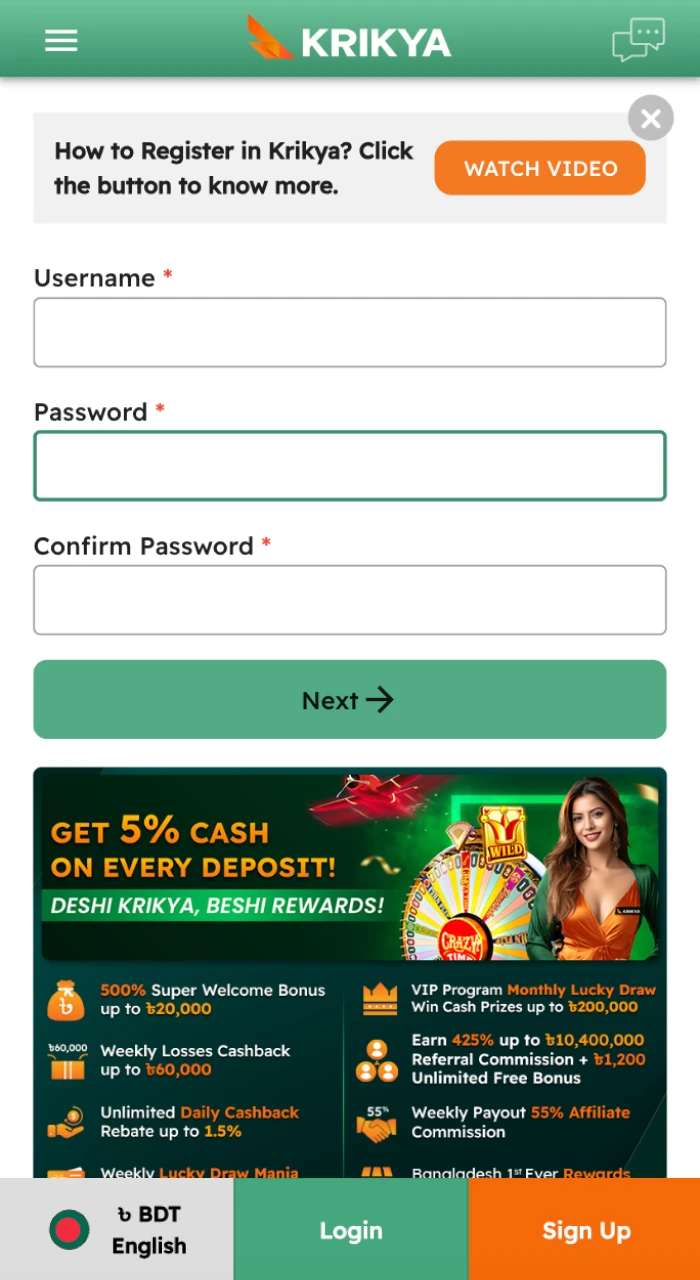
Step 2 Fill out Registration Form
Step 3 Download Krikya APK File
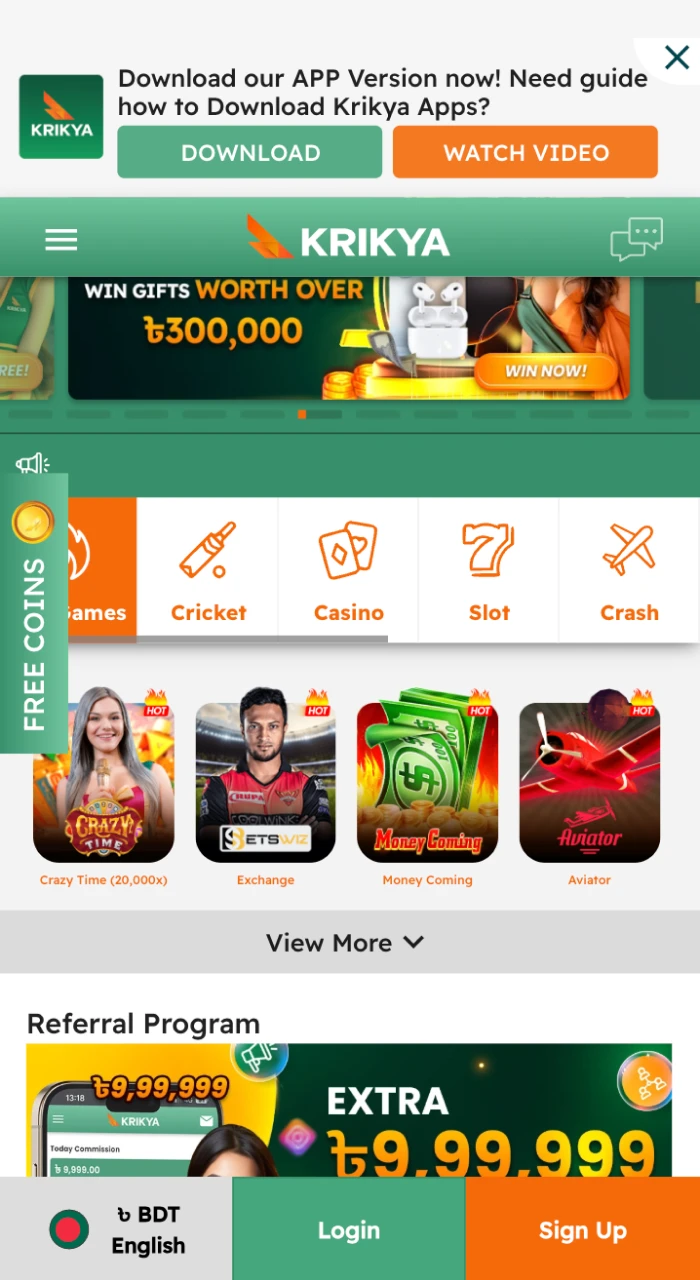
Step 4 Open the Downloaded Krikya APK
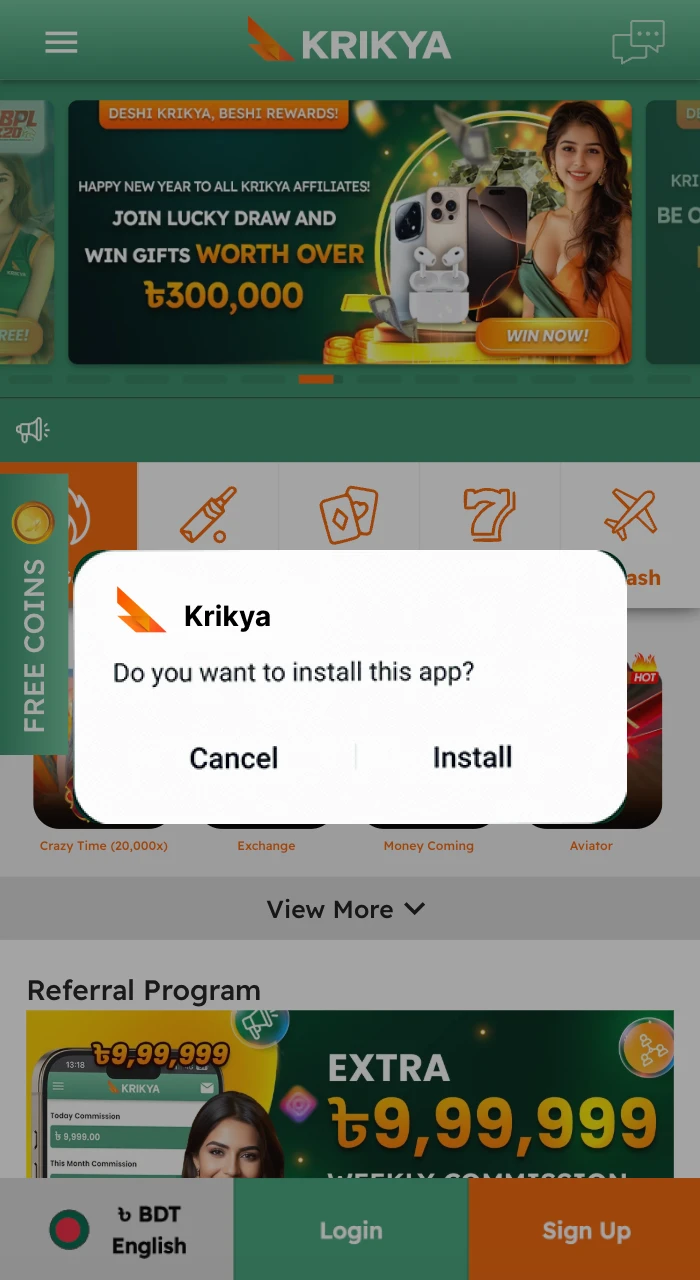
Step 5 Permission to Install
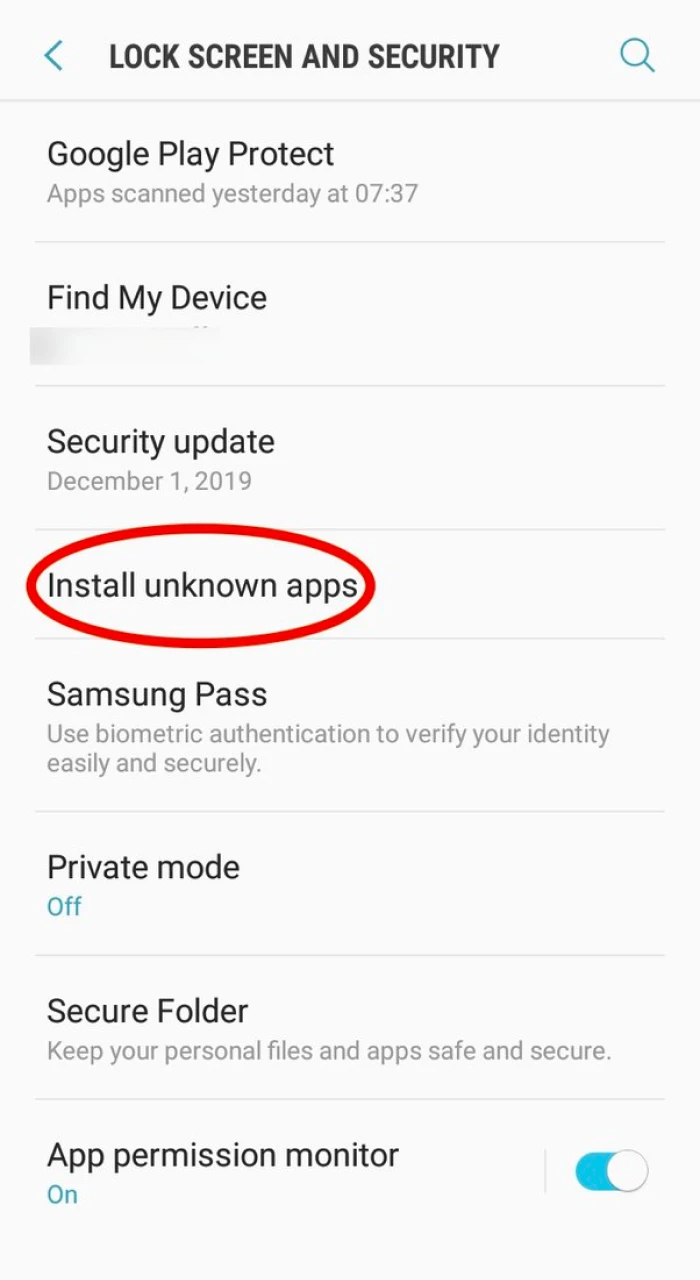
Step 6 Complete the Installation of Krikya APK
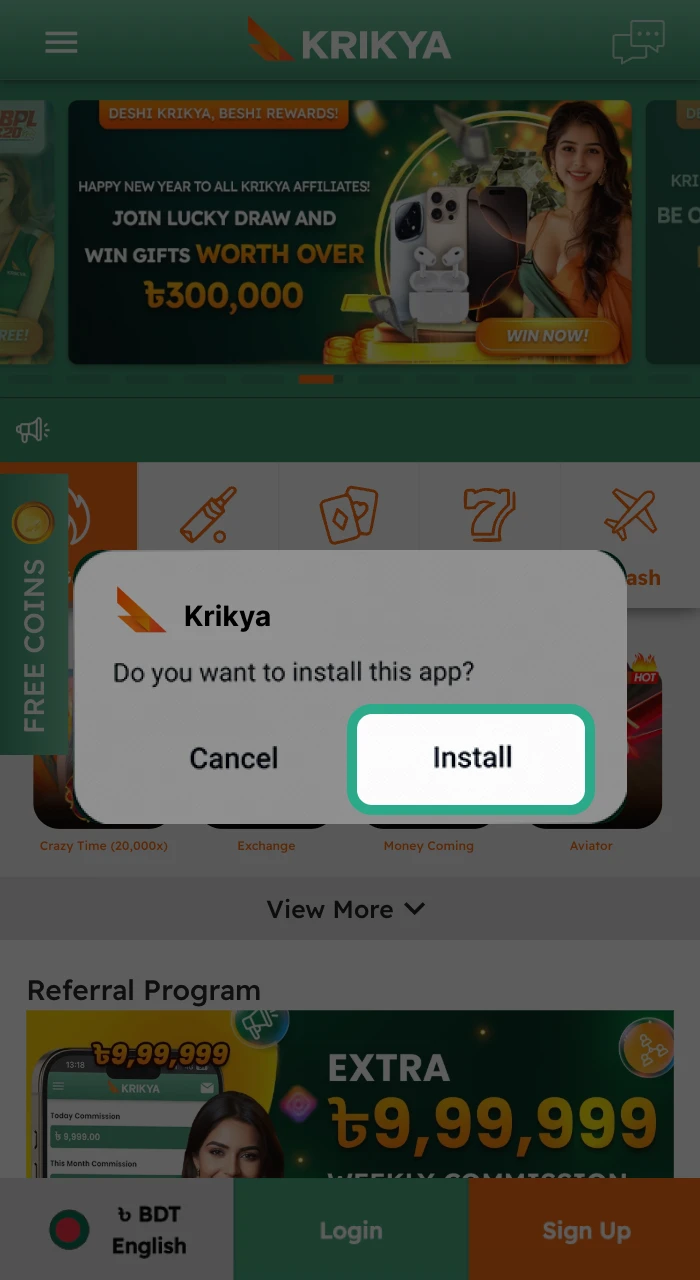
After that, an icon with the app logo will appear in the menu of your smartphone. Open it and start winning real money in our games.
Android Suitable Devices
The Krikya app runs smoothly on most Android smartphones and tablets available in Bangladesh. Below is a list of tested and compatible devices:
| Brand | Compatible Models |
|---|---|
| Samsung | Galaxy A series, Galaxy M series, Galaxy S series |
| Xiaomi | Redmi Note series, Redmi A series, POCO series |
| Realme | Realme C series, Realme Number series |
| Oppo | Oppo A series, Oppo Reno series |
| Vivo | Vivo Y series, Vivo V series |
| Huawei | Huawei Y series, Nova series |
| OnePlus | OnePlus Nord series, OnePlus Number series |
| Infinix | Infinix Hot series, Infinix Note series |
| Tecno | Tecno Spark series, Tecno Camon series |
Any Android device running Android 6.0 or higher with at least 1 GB RAM will support the Krikya app without issues.
System Requirements for Android
| Requirement | Minimum |
|---|---|
| Android Version | 6.0 and higher |
| RAM | 1 GB+ |
| Processor | 1.2 GHz+ |
| Free Storage | 35 MB (APK) / 60 MB after install |
| Internet Connection | 3G / 4G / Wi-Fi |
| APK File Size | 6.2 MB |
The Krikya APK is one of the lightest betting apps available in Bangladesh – at just 6.2 MB, it downloads in seconds even on a slow mobile connection.
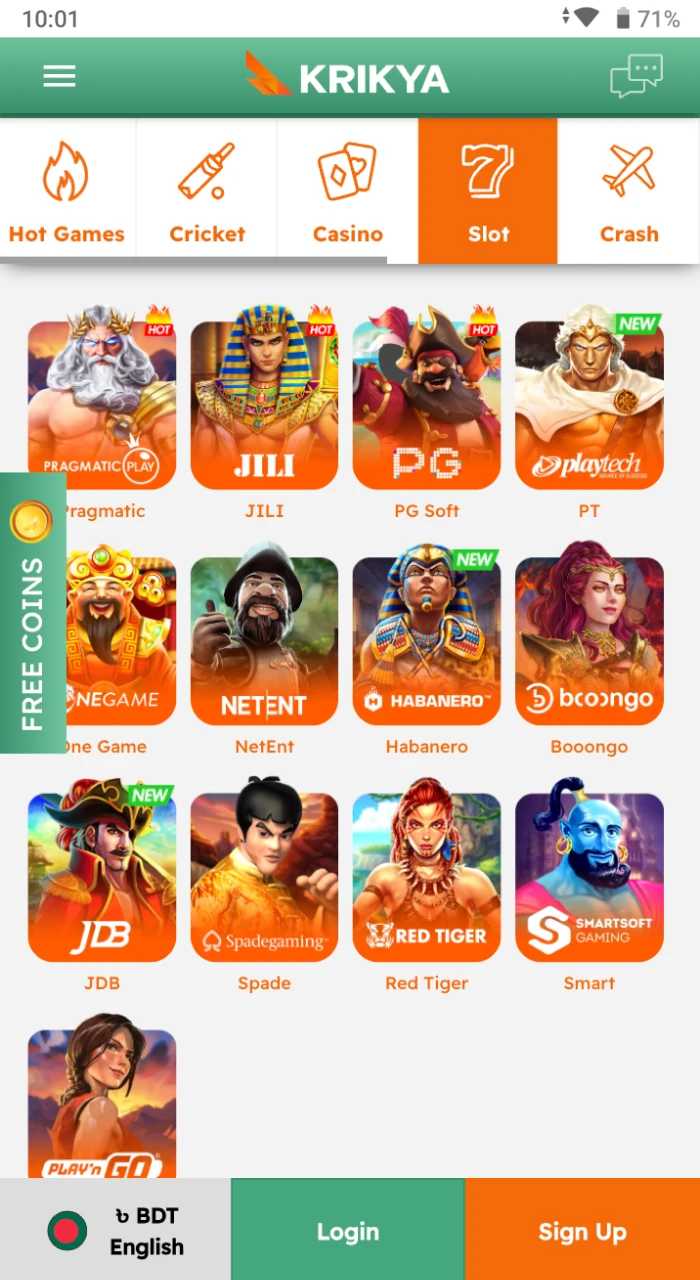
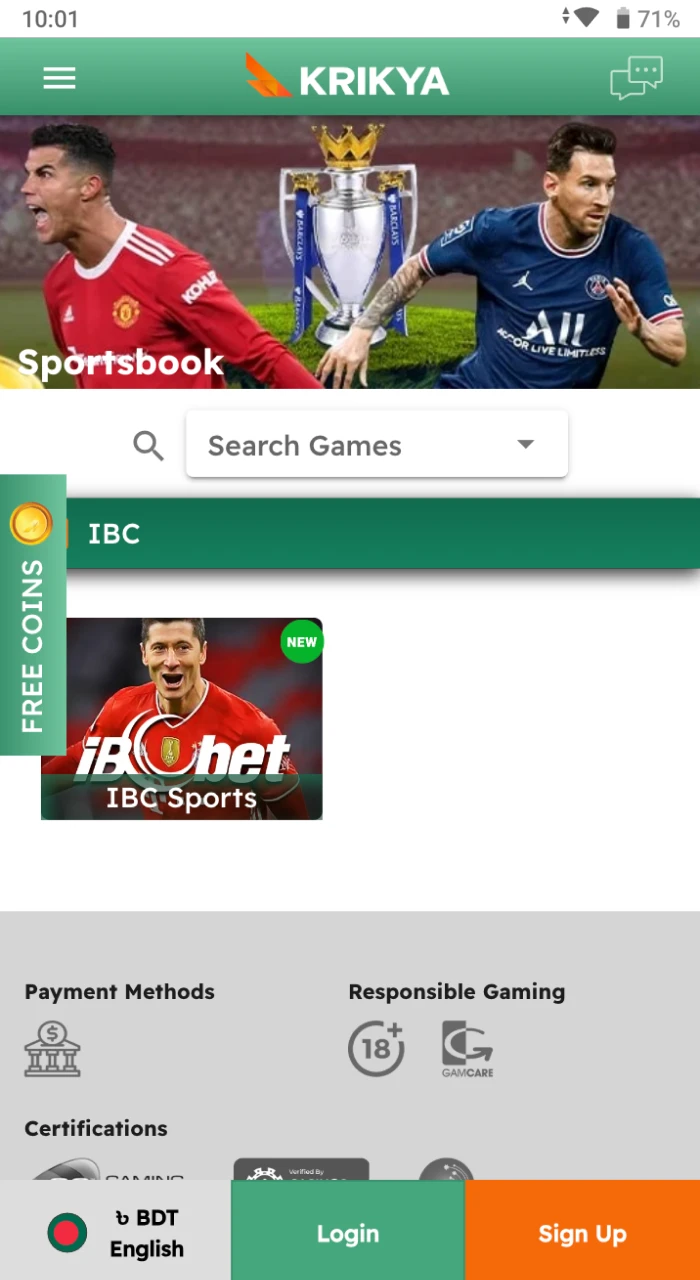
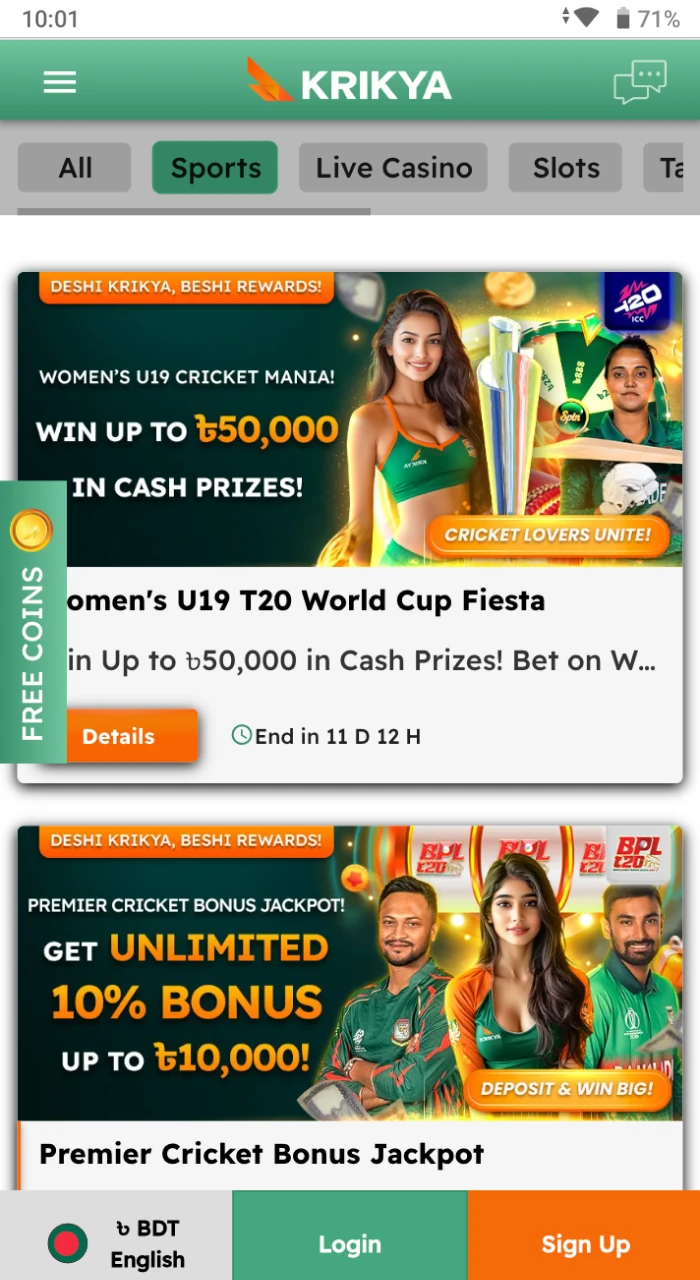
Android App Preview
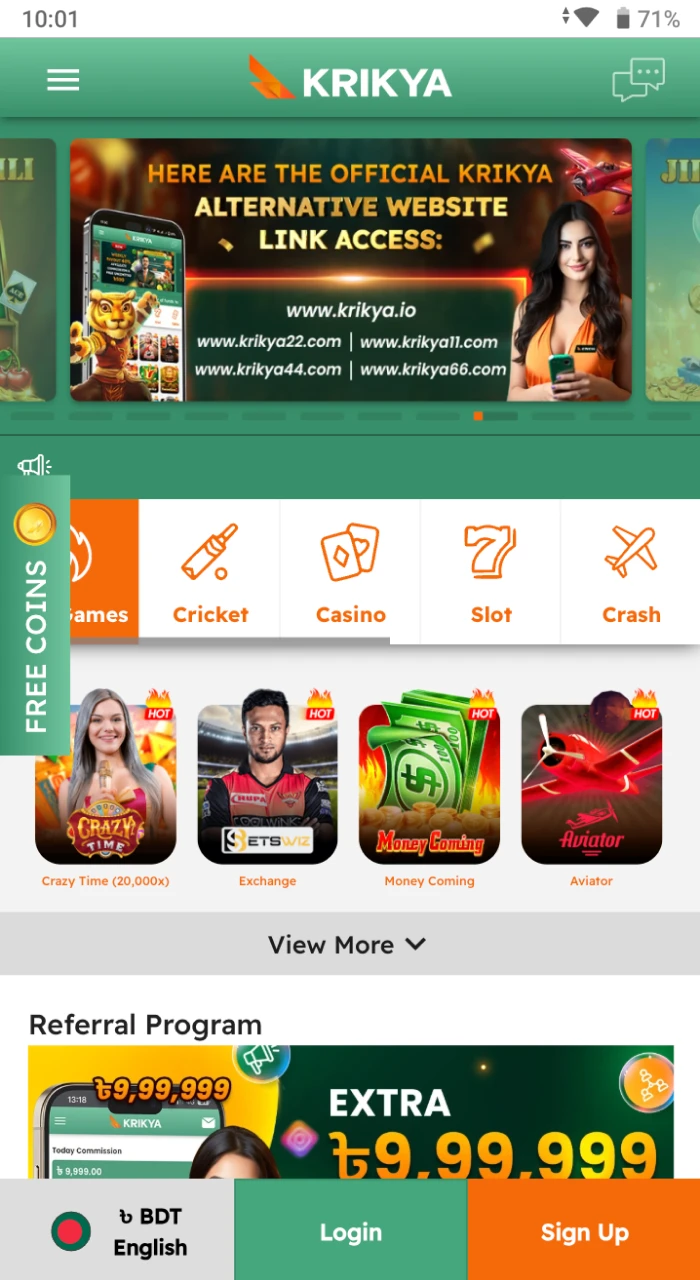
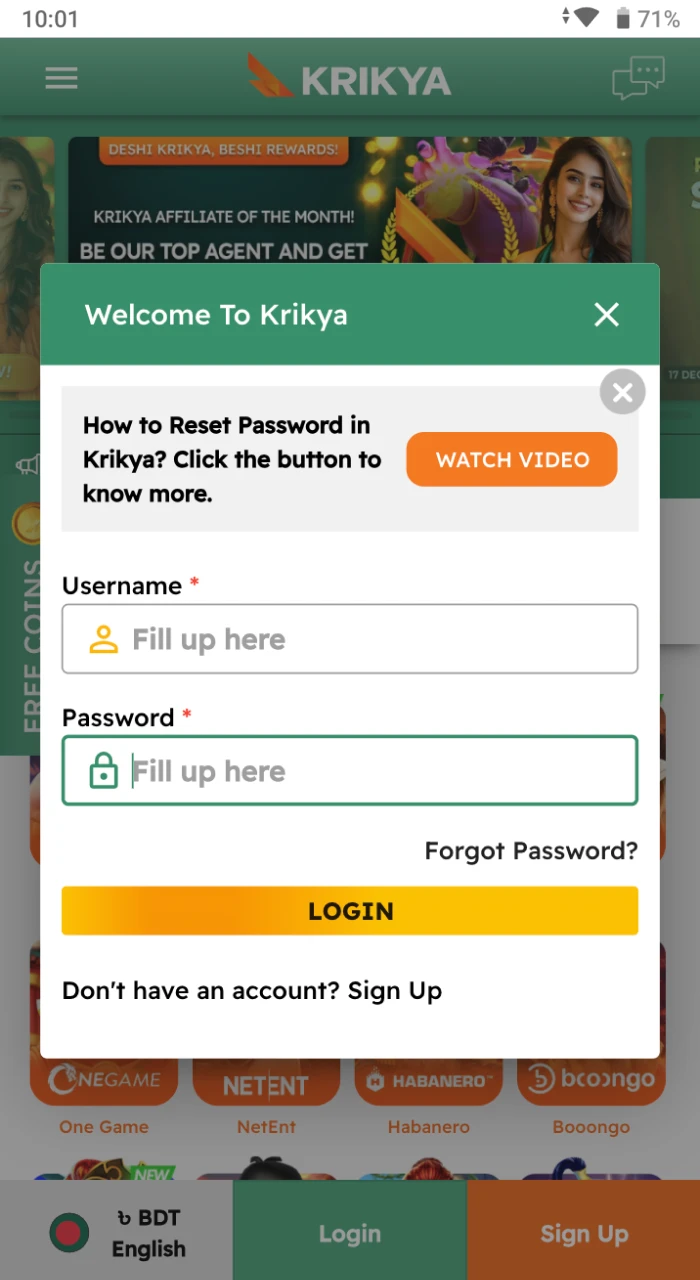
The app is easy to use, so you can easily navigate through the desired sections. The interplay is intuitive, so you can quickly log in to your account, top up your account, find the game you want to play and start playing on your Android device.
Download Krikya App for iOS (PWA)
You can also easily download Krikya bet app on iOS, and for free. This process will only take a couple of minutes. You don’t need to follow many steps to install the PWA file.
Step 1 Open the Casino Website
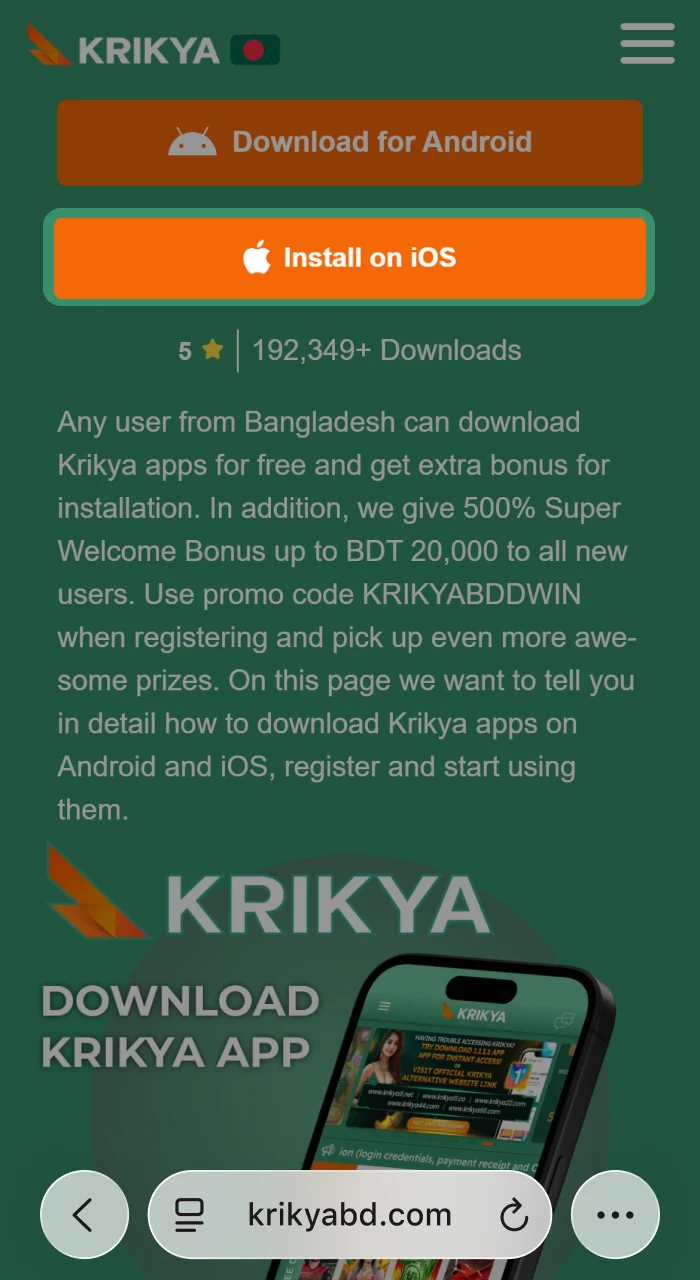
Step 2 Setup Option
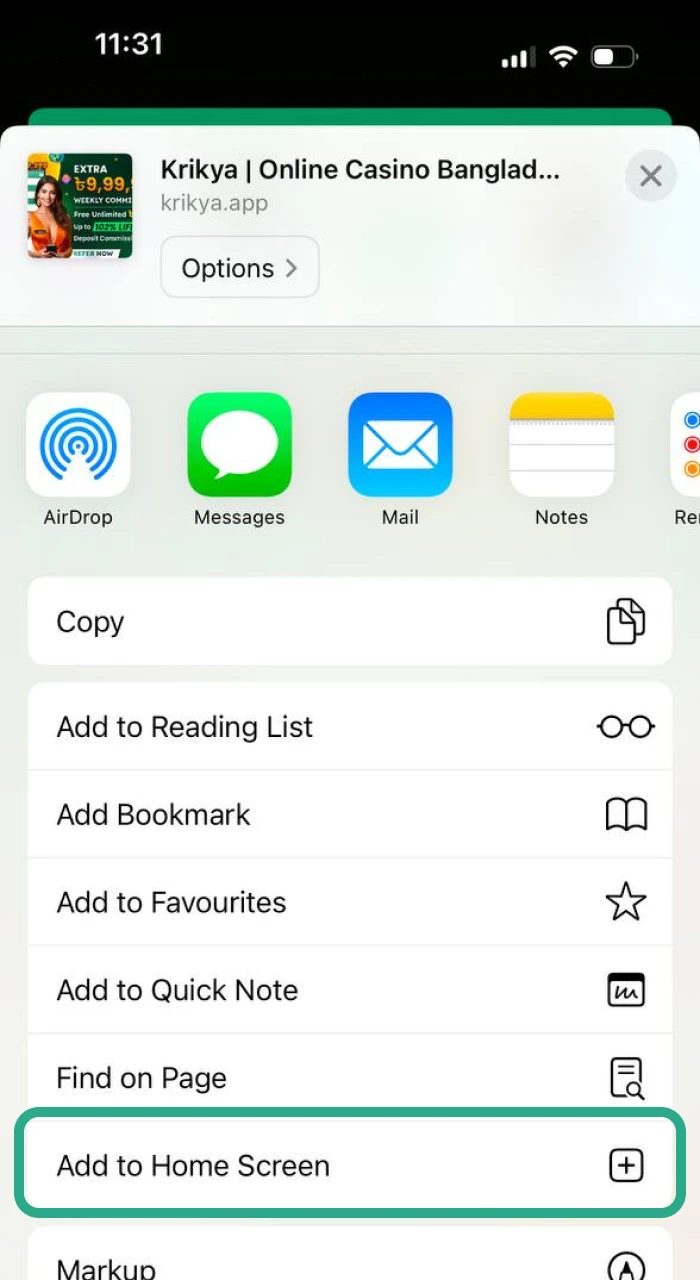
3 Add a PWA to the Home Screen
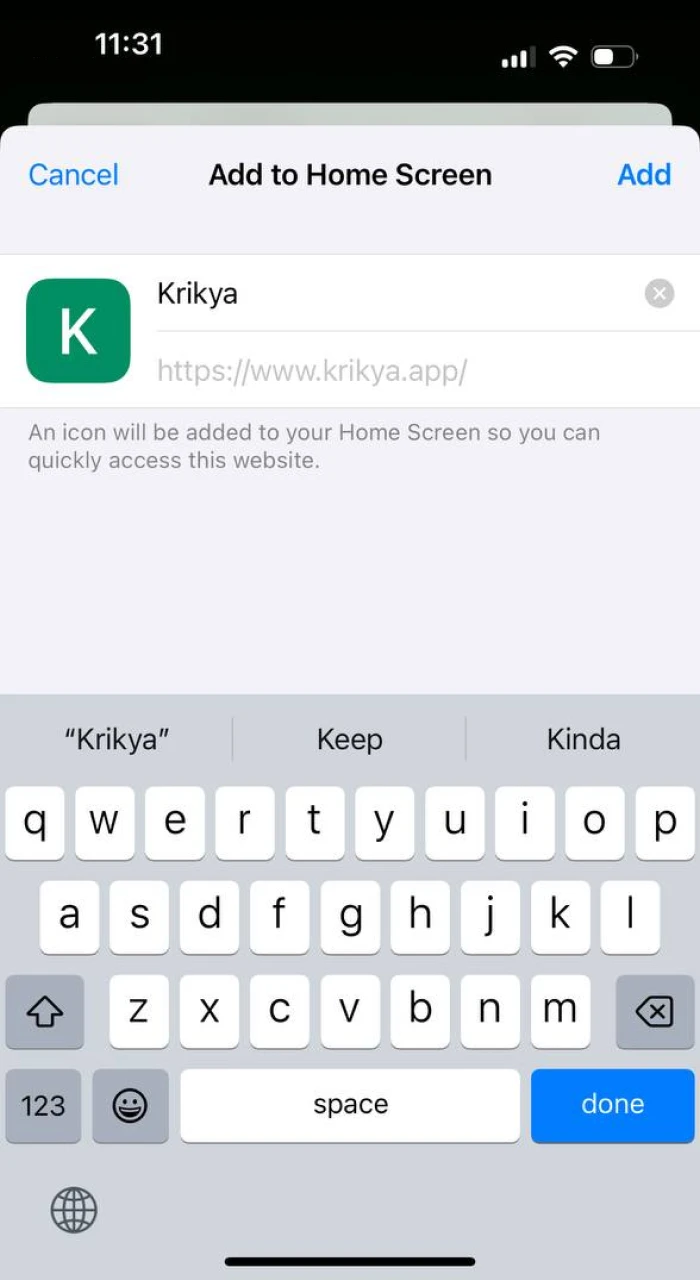
Once the steps are completed, the app (PWA) logo will appear on your smartphone.
iOS Suitable Devices
The Krikya app is available as a PWA (Progressive Web App) for iOS, fully optimised for Apple devices. Compatible models include:
| Device | Minimum iOS Required |
|---|---|
| iPhone SE (2nd & 3rd gen) | iOS 11.0+ |
| iPhone 8 / 8 Plus | iOS 11.0+ |
| iPhone X / XS / XS Max | iOS 11.0+ |
| iPhone XR | iOS 11.0+ |
| iPhone 11 / 11 Pro / 11 Pro Max | iOS 11.0+ |
| iPhone 12 / 12 Pro / 12 Mini | iOS 11.0+ |
| iPhone 13 / 13 Pro / 13 Mini | iOS 11.0+ |
| iPhone 14 / 14 Pro / 14 Plus | iOS 11.0+ |
| iPhone 15 / 15 Pro | iOS 11.0+ |
| iPhone 16 / 16 Pro | iOS 11.0+ |
| iPhone 17 / 17 Pro | iOS 11.0+ |
| iPad (6th generation and later) | iOS 11.0+ |
System Requirements for iOS
| Requirement | Minimum |
|---|---|
| iOS Version | 11.0 and higher |
| RAM | 1 GB+ |
| Processor | 1.2 GHz+ |
| Storage Required | 35 MB |
| Browser for PWA | Safari (required) |
| Internet Connection | 3G / 4G / Wi-Fi |
No App Store download needed – the iOS version installs directly as a PWA through Safari in under two minutes.
Registration via Krikya App
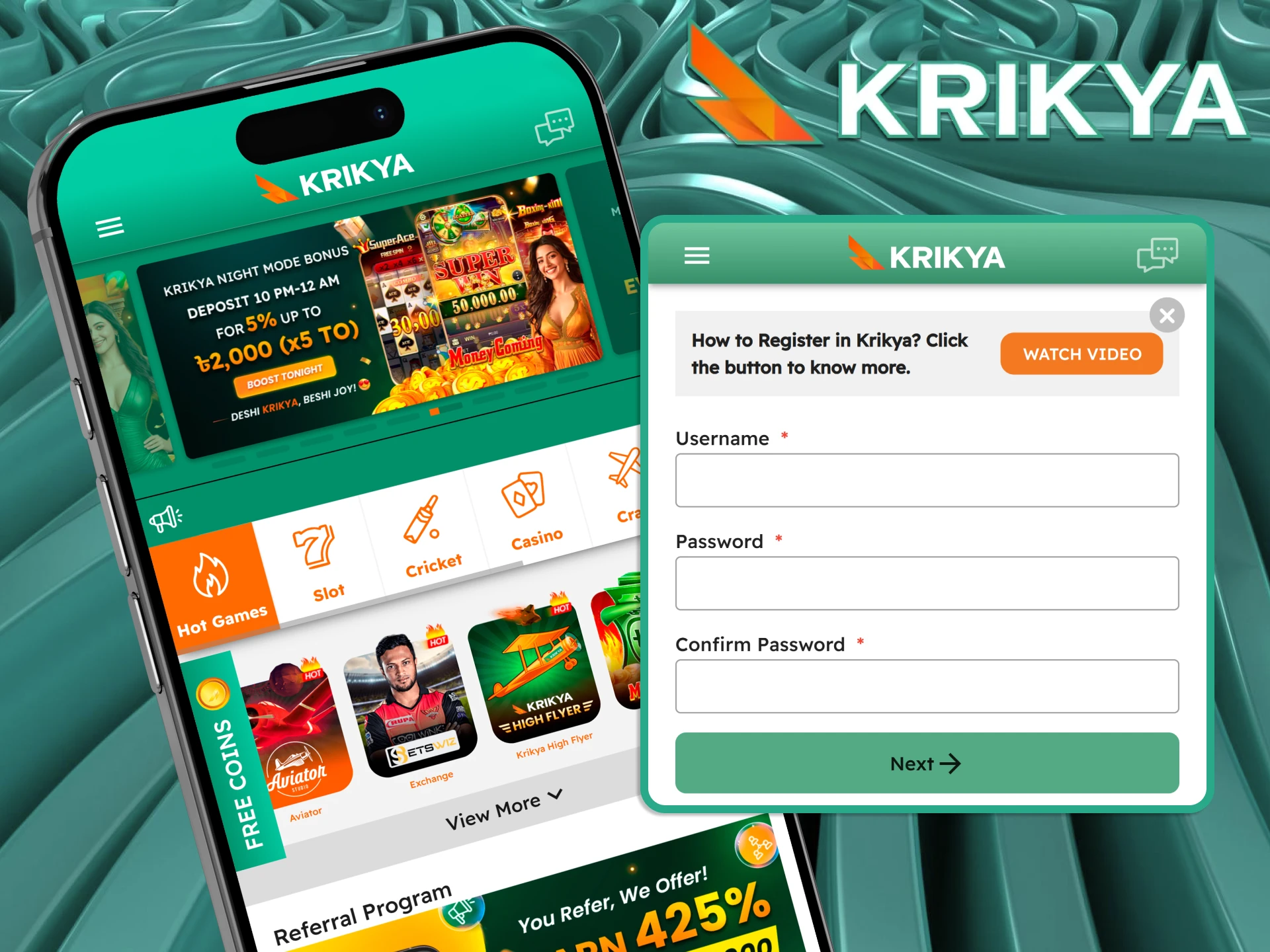
Creating your Krikya account directly through the app takes less than two minutes. You only need a phone number or email address to get started – no complicated verification required before your first deposit. Once registered, you get instant access to all sports betting markets, casino games, and your welcome bonus.
- Open the Krikya App: Launch the app after installation. Tap the “Register” button on the home screen.
- Enter Your Details: Fill in your phone number or email address and create a strong password. Select Bangladeshi Taka (BDT) as your currency.
- Verify Your Account: Enter the verification code sent to your phone or email to confirm your account.
- Complete Your Profile: Add your full name and date of birth. This step is required before you can make your first withdrawal.
- Claim Your Bonus: Head to the Promotions section and activate the welcome bonus of your choice – App Download Bonus (৳188), First Deposit Bonus, or the 500% Super Welcome Bonus.
- Make Your First Deposit Deposit via bKash, Nagad, Rocket, or Upay. Minimum deposit is ৳200. Your bonus is credited automatically once the deposit is confirmed.
Welcome Bonuses
Here are the bonuses available to new players in Bangladesh right now.
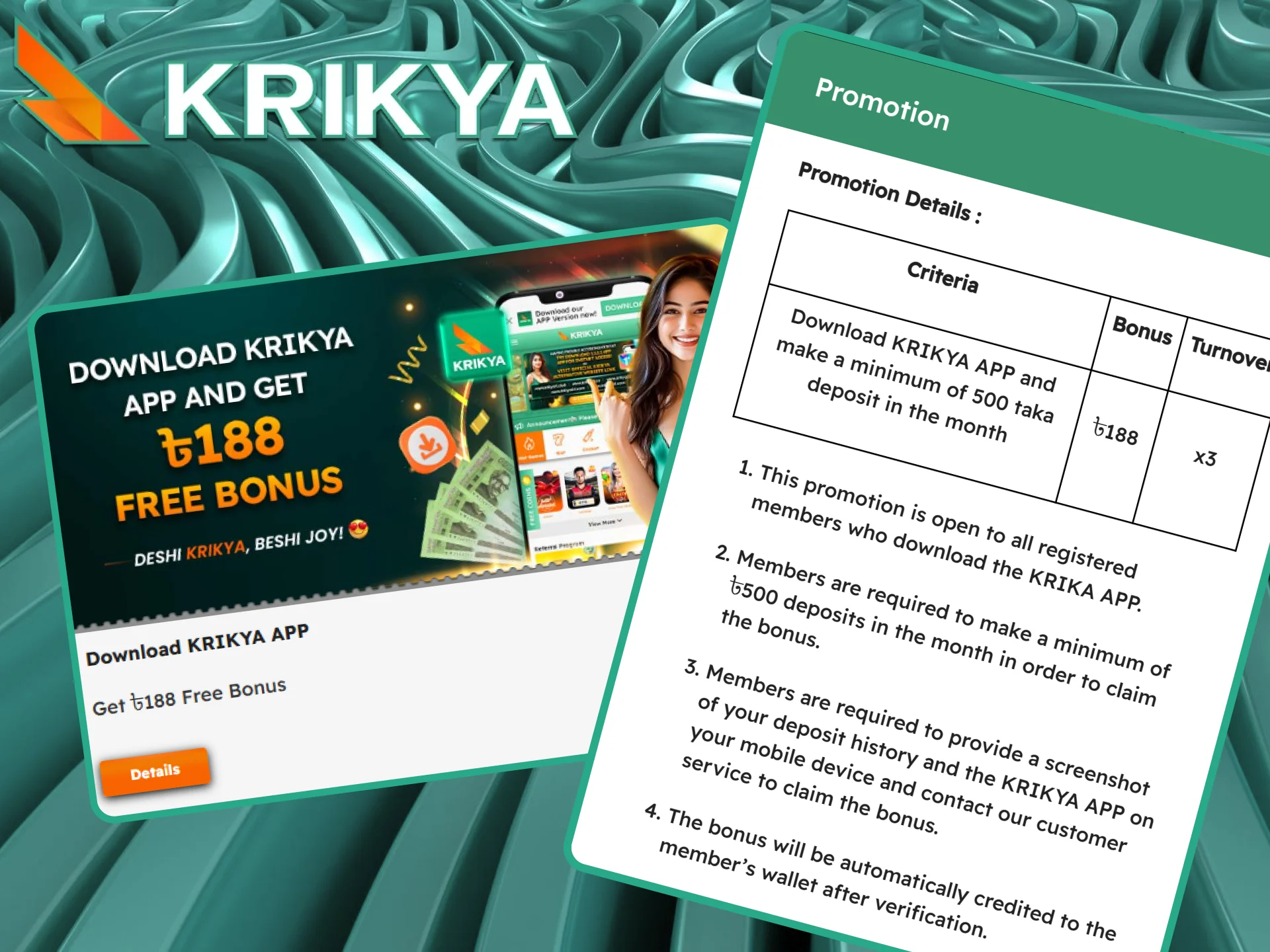
App Download Bonus – ৳188 Free
Download the Krikya app, make a minimum deposit of ৳500, and receive ৳188 credited to your account automatically. Wagering requirement: x3. One of the easiest bonuses to claim – takes less than 5 minutes.
First-Time Deposit Bonus – Up to ৳53,000 Total
Make your very first deposit and choose your bonus based on what you love to play:
- Slots & Crash: 100% bonus up to ৳18,000;
- Live Casino: 50% bonus up to ৳20,000;
- Sports Betting: 100% bonus up to ৳15,000.
Pick the one that matches your game – or check if multiple bonuses can be claimed in sequence.

500% Super Welcome Bonus – Up to ৳20,000
Register on Krikya and get a massive 500% bonus on Slots & Crash Games, up to ৳20,000. Wagering requirement: x14–x16. The biggest welcome offer on the platform – built for players who love high-multiplier games.
What’s Inside the Krikya App
Most apps in Bangladesh show you a download button and stop there. Here is exactly what you get access to the moment you open the Krikya app.
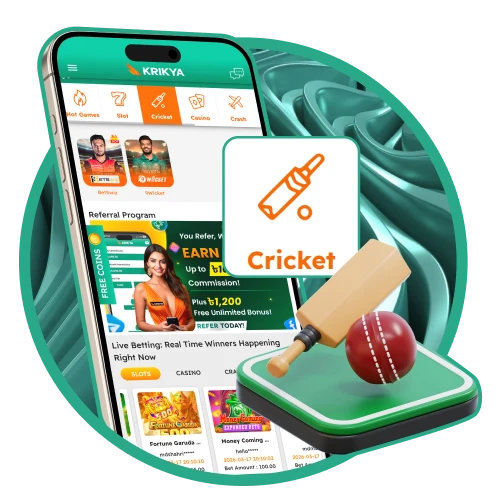
Cricket Betting
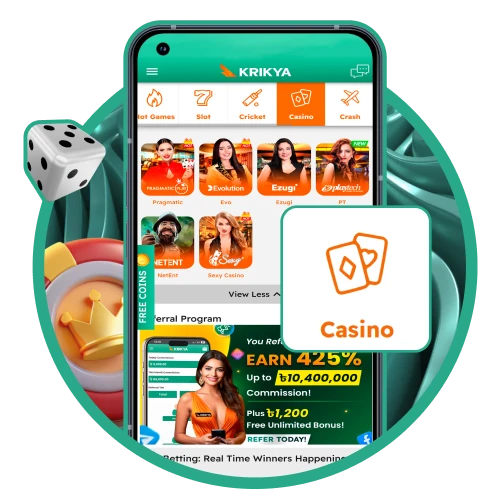
Casino – 1,000+ Games
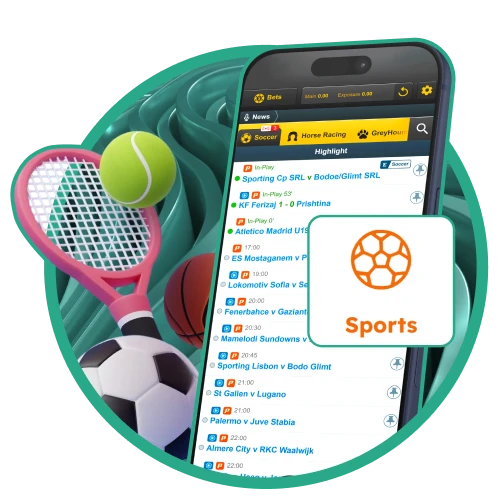
Sports Betting – 40+ Sports
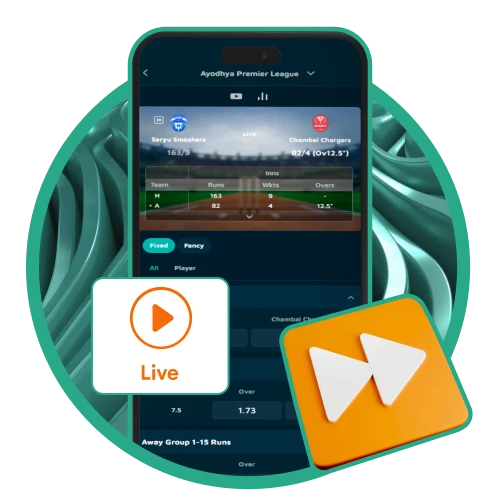
Live Streaming
How to Update the Krikya App to the Latest Version
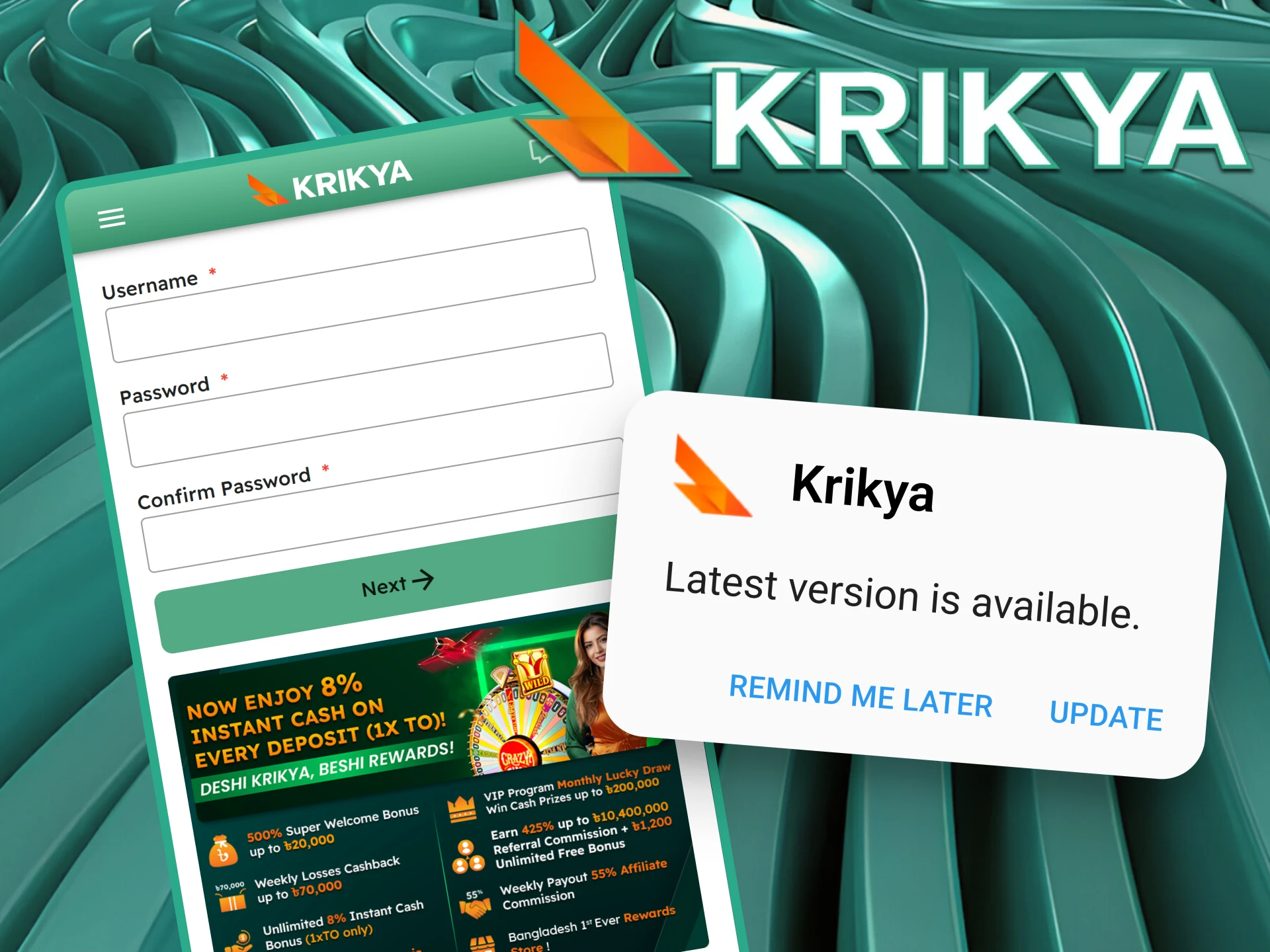
Updating our app will not require much effort from you, because it happens almost automatically. All you need to download the latest version of the Krikya APK:
- Click on the new version availability notification we will send you.
- Agree to download and install all the update files.
- Wait until the download is complete.
After that, the updated version will be available for use.
Krikya App for Cricket Betting in Bangladesh
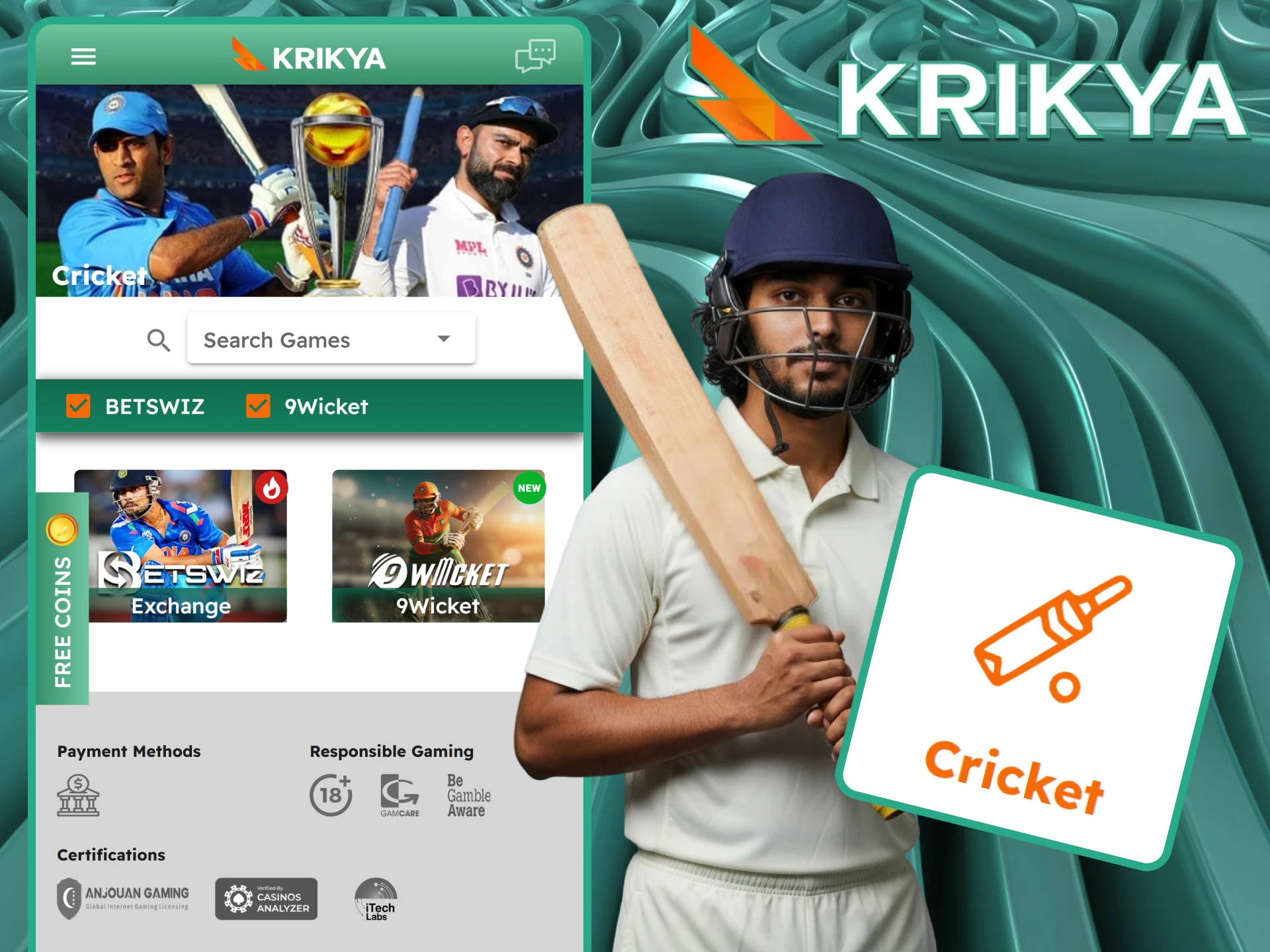
Cricket is not just a sport in Bangladesh – it is a national passion. The Krikya app is built with this in mind, giving Bangladeshi bettors the fastest and most complete cricket betting experience available on mobile.
How to Find Cricket in the App: Open the app → tap “Sports” from the bottom menu → select “Cricket” from the sports list. All live and upcoming cricket matches appear immediately, sorted by tournament. You can also pin Cricket to your favourites for one-tap access.
Tournaments Available
| Tournament | Type | Betting Available |
|---|---|---|
| IPL (Indian Premier League) | T20 | Pre-match + Live |
| BPL (Bangladesh Premier League) | T20 | Pre-match + Live |
| Asia Cup | ODI / T20 | Pre-match + Live |
| ICC T20 World Cup | T20 | Pre-match + Live |
| ICC Cricket World Cup | ODI | Pre-match + Live |
| Test Matches | Test | Pre-match + Live |
| The Ashes | Test | Pre-match + Live |
Live Ball-by-Ball Betting Markets
During any live cricket match, the following markets update in real time after every delivery:
- Match Winner;
- Next Wicket Method;
- Runs in the Over;
- Total Runs at Fall of Next Wicket;
- Top Batsman (innings);
- Player of the Match.
Live Streaming in the App
For selected matches, a live stream appears directly inside the Cricket section. Tap the play icon next to the match – no redirect, no third-party app needed. A funded account is required to access the stream.
Steps for Betting on Krikya Apps
The Krikya bet app serves as an exceptional platform for sports wagering, offering an extensive array of athletic disciplines, official tournaments, and live events. To commence your betting experience, follow these steps:
- Download the app.
- Register for a new account or log in to an existing one.
- Fund your gaming balance.
- Go to the appropriate casino games or sports section.
- Select the casino game or sporting event you are interested in.
- Playing casino games, select the amount you are willing to gamble.
- In sporting events, select the betting market you wish to participate in.
- Enter the desired bet amount in the field provided and confirm your bet.
Your winnings will be credited to your account balance instantly upon completion of the game.
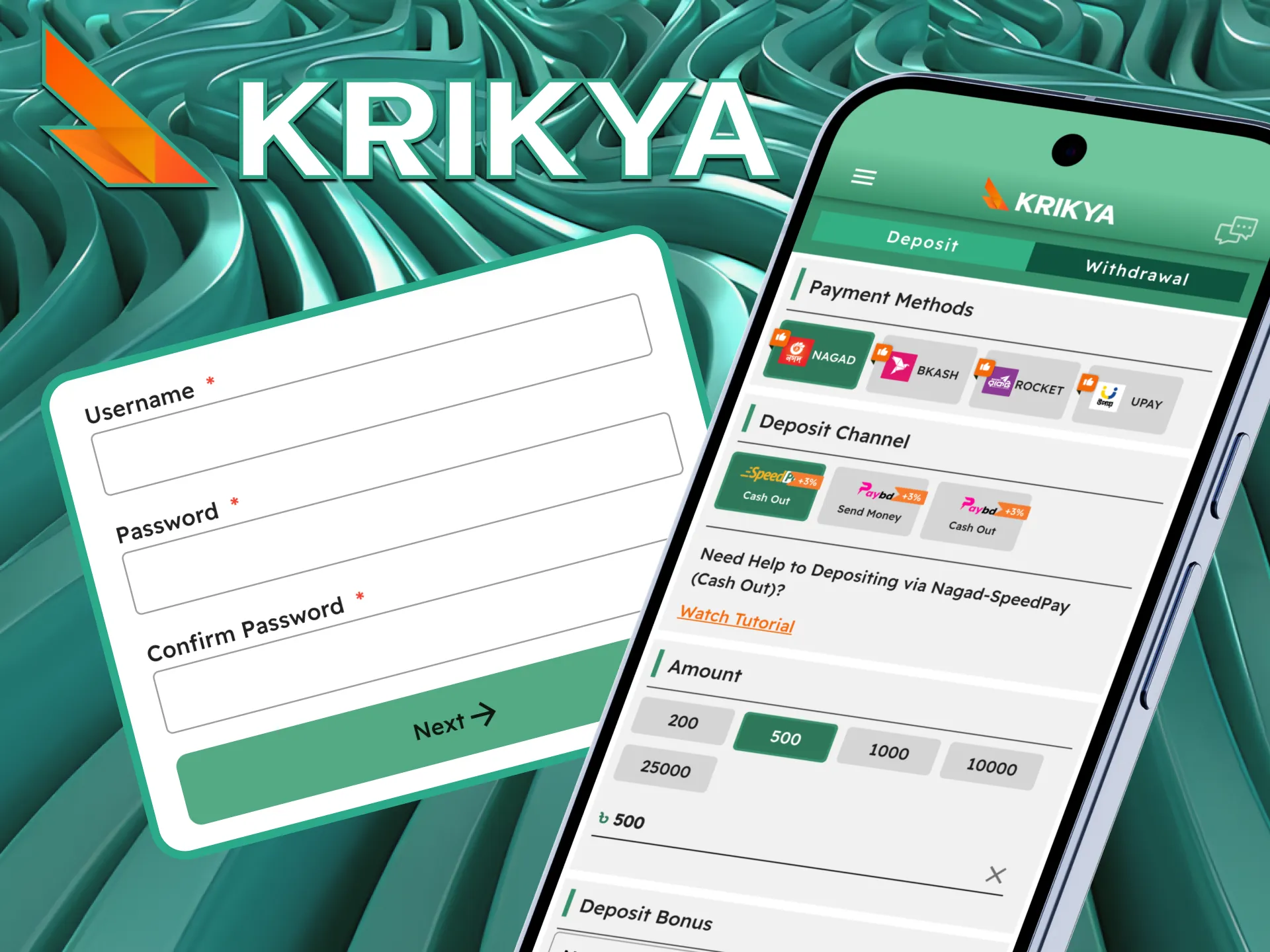
How to Top Up My Krikya Account Through the Mobile App?
Deposits in the Krikya mobile app are processed in BDT through trusted local payment systems. The process is clear, and additional protection applies under the Krikya Deposit Guarantee policy. Follow these steps to complete your deposit:
- Open the mobile app and enter your registered credentials.
- Tap the Deposit option in your account dashboard to open available payment methods.
- Choose one of the supported options: Nagad, bKash, Rocket, or Upay.
- The minimum deposit is ৳200.00, and the maximum per transaction is ৳30,000.00.
- Follow the on-screen instructions and finalize the transaction through your selected provider.
Under the Krikya Deposit Guarantee, if a confirmed deposit takes more than 30 minutes to reflect, a bonus is added automatically once the funds arrive. If a transaction remains pending for more than 7 days, full payback is processed automatically. Protection applies to users who have completed full KYC verification and passed internal system checks.
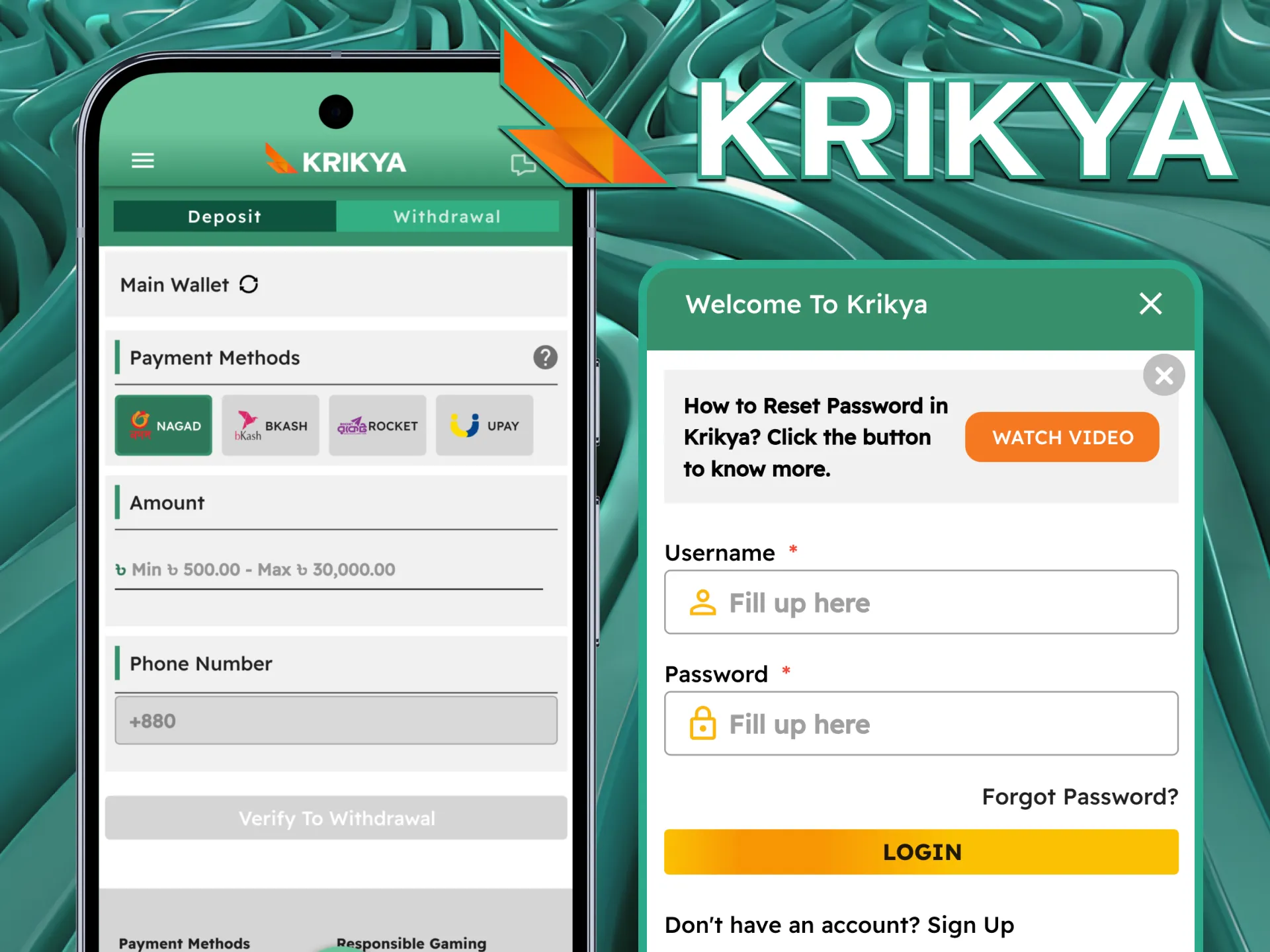
Steps to Withdraw Winnings via Krikya App
Withdrawals through the Krikya mobile app are processed in local payment systems after account verification. The procedure is structured and includes confirmation steps to protect player funds.
- Log in to the app and open your account dashboard.
- Select the Withdrawal option to view available payout methods.
- Complete phone verification if it is your first withdrawal request.
- Choose your preferred payment method and enter the withdrawal amount.
- Review the details and submit the payout request for processing.
Available options include Nagad, bKash, Rocket, and Upay. In most cases, withdrawals must be processed through the same payment method used for deposit, according to platform rules. The minimum withdrawal is 500, and the maximum per transaction is 30,000.
A step-by-step video guide is available inside the app to demonstrate the withdrawal procedure visually. Processing time depends on verification status and payment provider response.
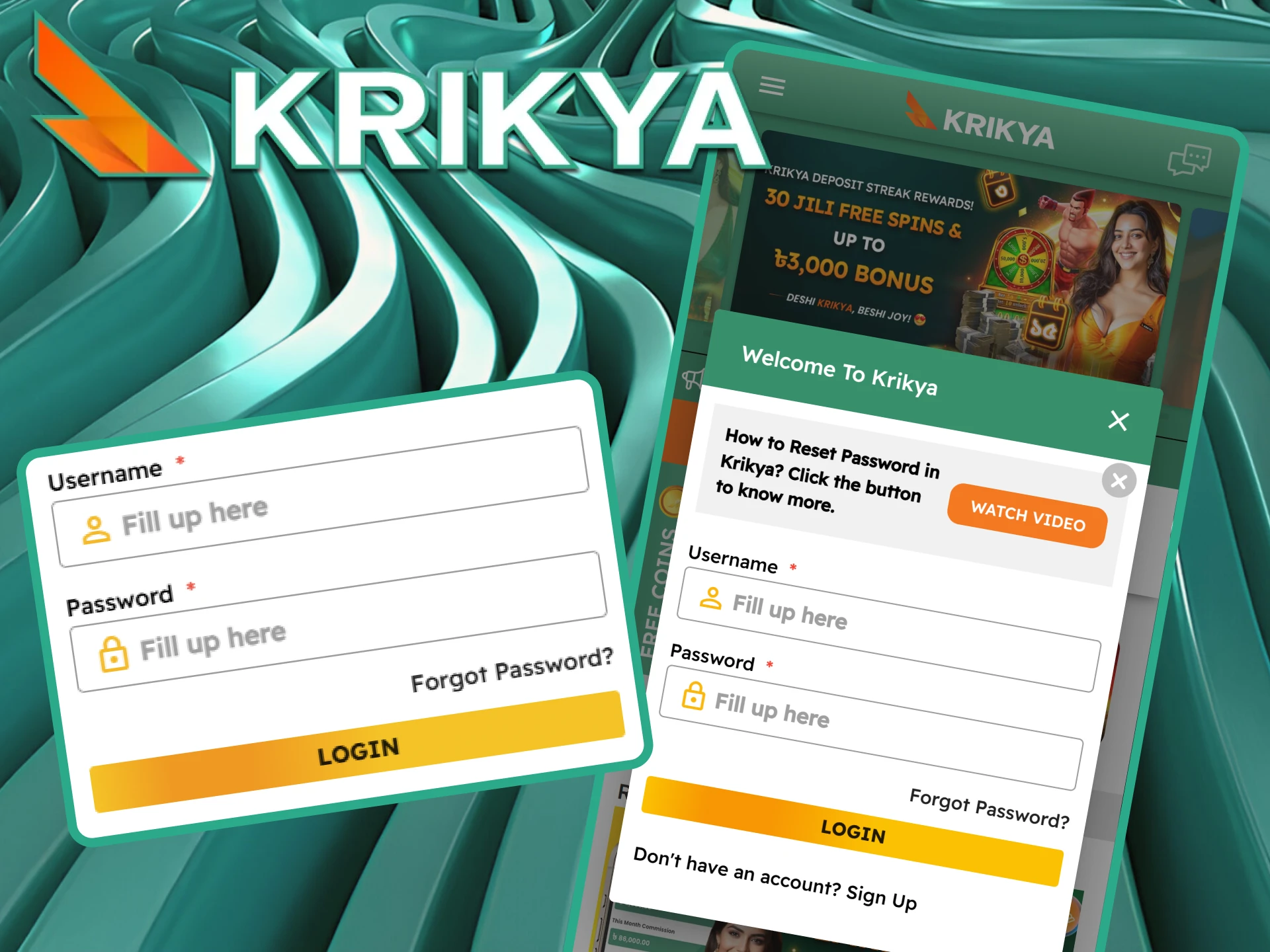
Login Guide
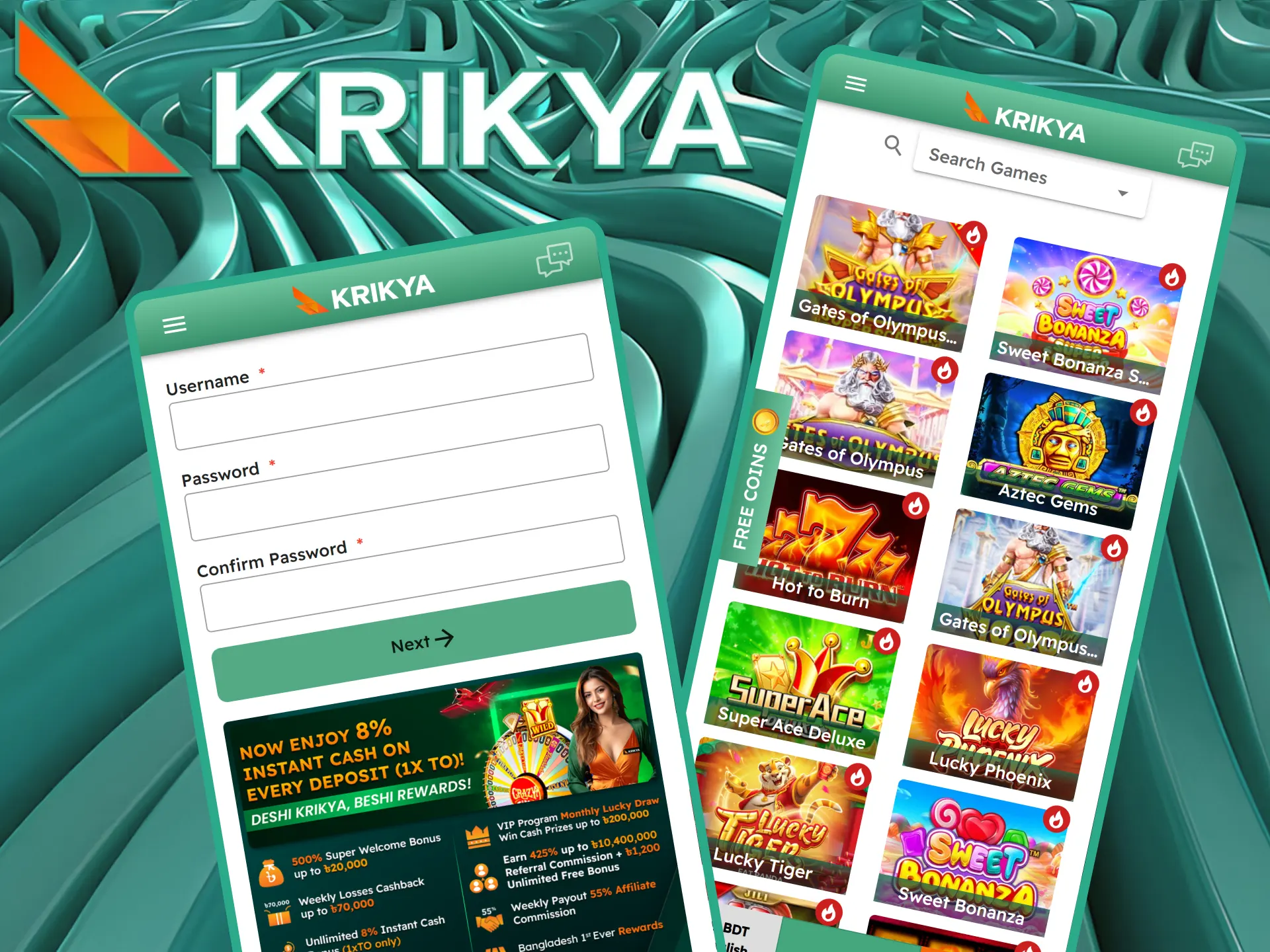
Authorization is required to bet and play at the casino. When you register, it will happen automatically. But in the future, you will need to log in to your account manually. To do this, open Krikya bet app, click on the login button, enter your username and password and log in. After that, you will be logged in to your account.
Why do Users Prefer the Krikya App?
By installing the Krikya application, you gain unrestricted access to its extensive range of features, no matter your location. Here’s what awaits you:
Exclusive Bonus for Apps Installation
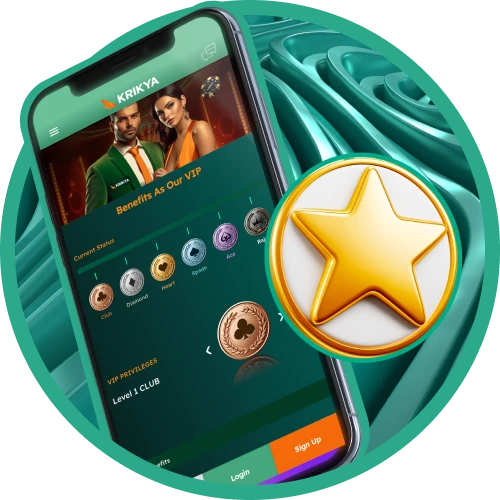
VIP Program Benefits
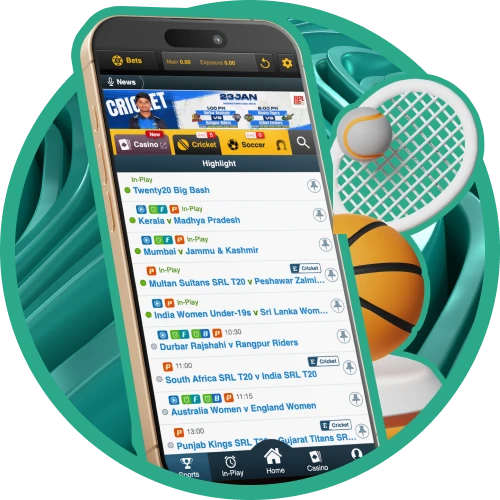
Live Streaming Capabilities
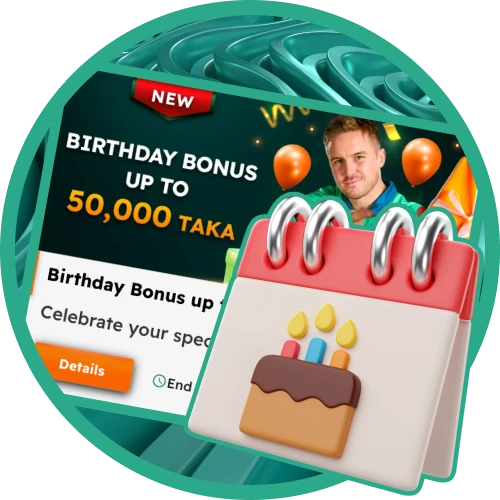
Birthday Rewards
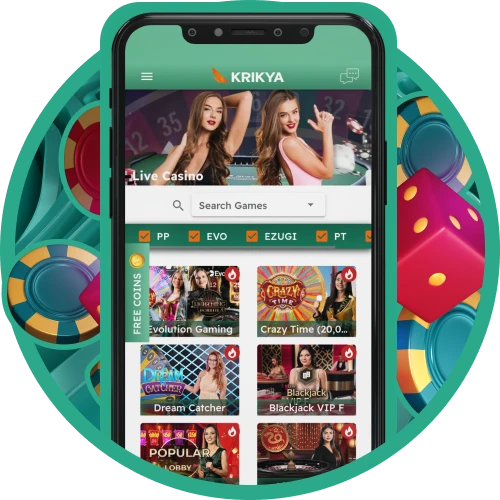
Live Casino Experience
Download the app today and enjoy unparalleled access to games directly on your mobile device.
Mobile Version
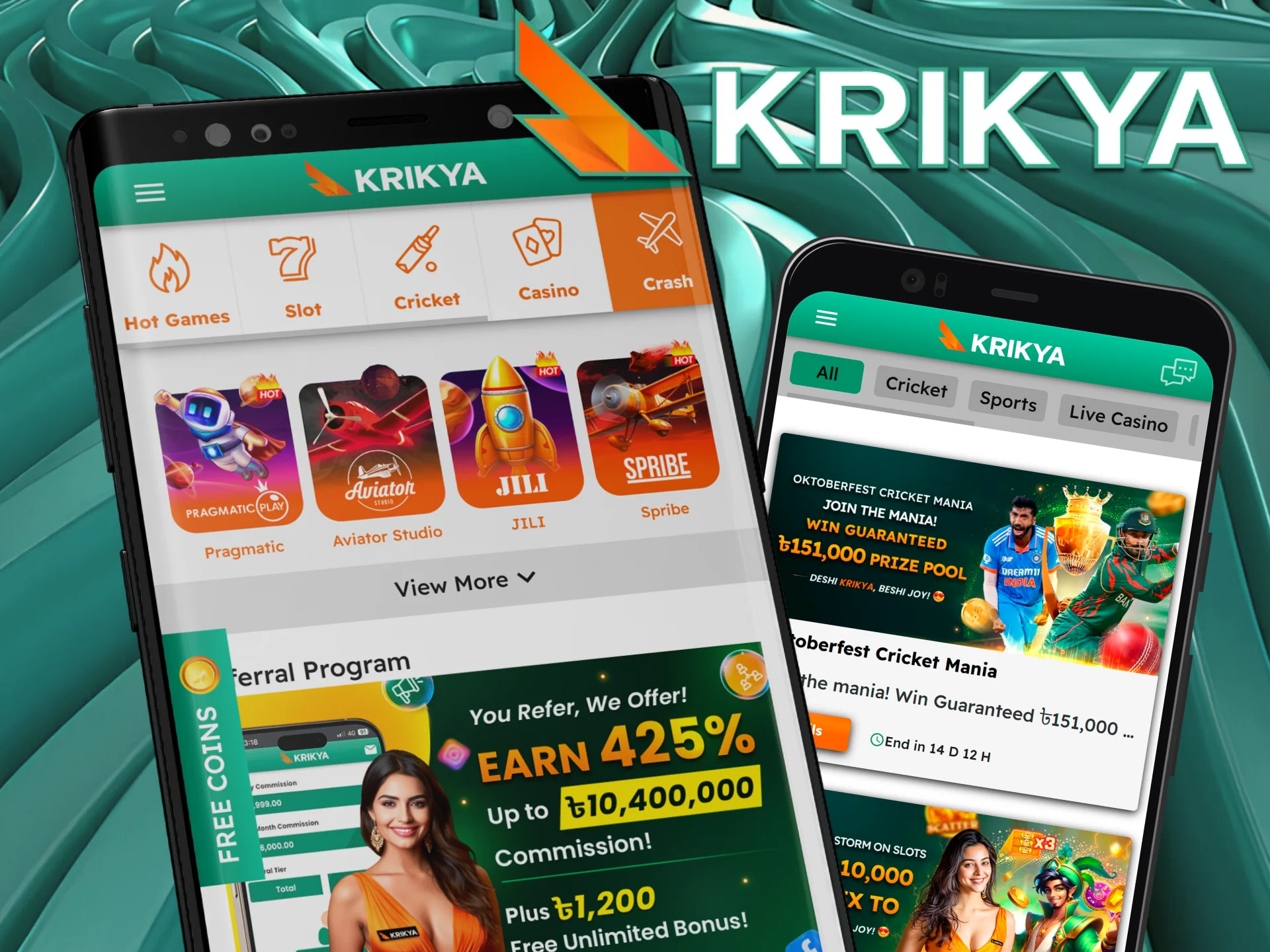
The mobile version has an adaptive design. Thanks to it, no matter what size your device screen is, pages will be displayed correctly and the interface will be easy to use.
Web version preserved all the gambling possibilities of the site. On it you will be able to make all kinds of bets, play in the casino, activate and wagering bonuses, make a deposit and withdraw money.
Krikya App vs Mobile Website
Whichever version you choose, you’ll get the same great gaming experience. But the app has some differences from the web version. You need to keep them in mind when choosing
| Feature | Mobile web version | Mobile application |
|---|---|---|
| Speed | Highly dependent on internet speed | Features an accelerated interface and navigation |
| Download required | No, it runs in your browser | Yes (6.2 MB APK) |
| Push notifications | No | Yes |
| Live match speed | Depends on browser | Faster |
| Biometric login | No | Yes |
| Offline access | No | Partial |
| Auto-login | No | Yes |
| Data usage | Higher | Lower |
| Customization | Few customization and personalization options | It is possible to customize |
If you bet regularly, download and install the Krikya app. If you play infrequently or your device does not support the software, the web version is the right one for you.
Krikya App Not Working – Troubleshooting
If you are having trouble with the Krikya app, here are the most common problems and exactly how to fix them.
❌ App Not Installing on Android. This happens because Android blocks installations from outside the Google Play Store by default.
- Go to Settings → Security (or Privacy on some devices)
- Enable “Install from Unknown Sources” or “Allow from this source”
- Open the downloaded APK file again and tap Install
- If it still fails, delete the APK and re-download it fresh from the Krikya website
❌ App Keeps Crashing or Freezing
- Go to Settings → Apps → Krikya
- Tap “Clear Cache” – do not tap Clear Data as this will log you out
- Restart your phone and reopen the app
- If the problem continues, uninstall and reinstall the latest APK from krikyabd.com
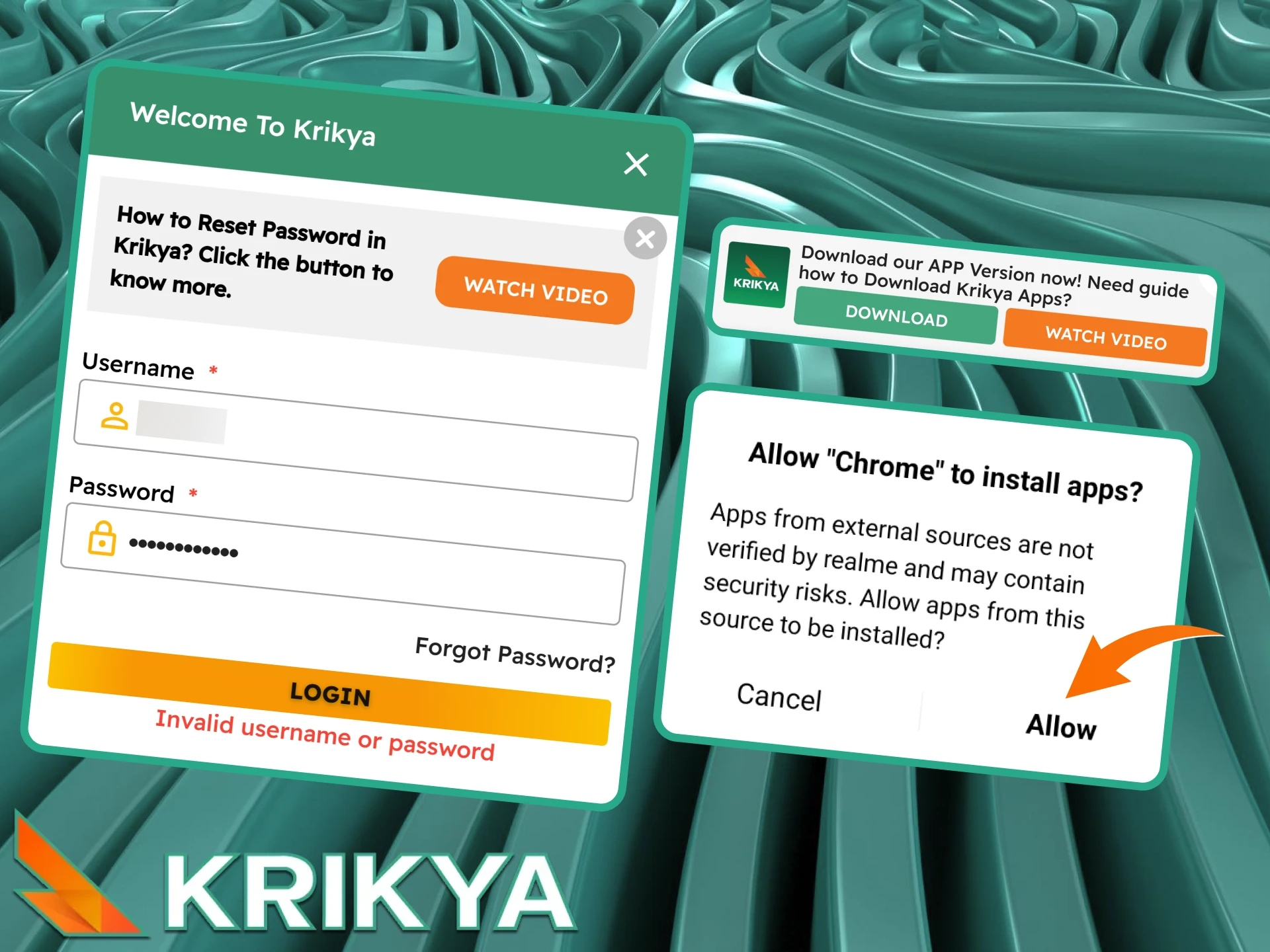
❌ Can’t Log In to the App
- Check your username and password are correct – passwords are case-sensitive
- Tap “Forgot Password” on the login screen and enter your registered phone number or email
- You will receive a reset code via SMS or email within 1–2 minutes
- If you do not receive the code, check your spam folder or contact live chat support
❌ App Loading Slowly
- Switch from mobile data to Wi-Fi if available
- If using mobile data, make sure you have 4G/LTE signal – the app requires a stable connection for live betting
- Close other apps running in the background to free up RAM
- Clear the app cache (Settings → Apps → Krikya → Clear Cache)
❌ App Not Updating to the Latest Version. The Krikya app is not on the Play Store, so it does not update automatically.
- Download the latest APK file
- Install it over your existing app – your account and balance are not affected
- Enable notifications in the app to receive update alerts automatically in future
App Support
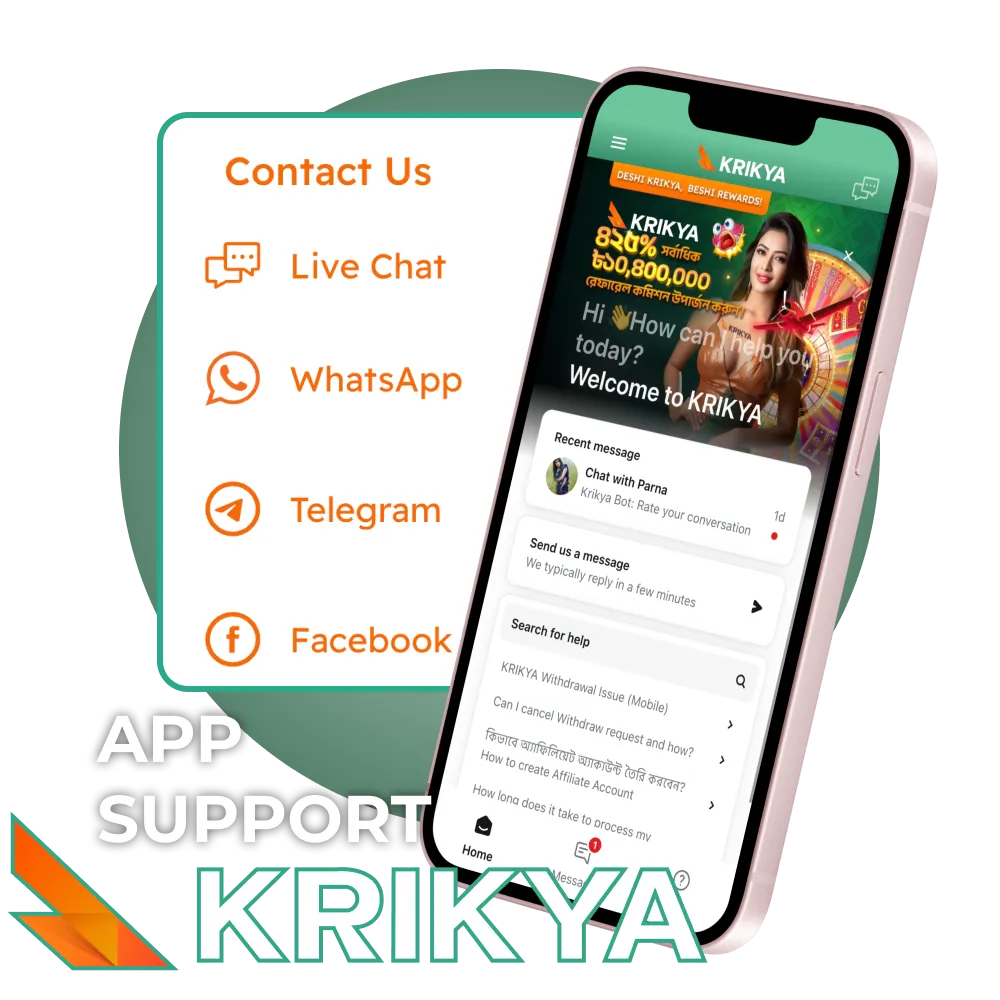
The Krikya mobile application includes direct access to customer support for quick assistance during gameplay or account management. Players can choose the communication channel that matches the nature and urgency of their request.
- Live Chat: Available 24/7 inside the app. Best option for urgent matters such as deposit delays, withdrawal status, or login issues. Average response time is a few minutes.
- WhatsApp: Direct messaging channel for payment confirmations and general account questions. Response time depends on queue load but is usually prompt.
- Telegram: Best used for general questions related to promotions, bonuses, or platform functions. Replies are usually provided quickly during active support hours.
- Email – [email protected]: Recommended for complex issues that require screenshots or document attachments. Replies are sent within the established processing timeframe based on request type.
FAQ
Can I use bKash to deposit directly in the Krikya app?
Yes. bKash is one of the primary deposit methods on Krikya. Open the app, go to the Cashier section, select bKash, enter the amount (minimum ৳200), and follow the on-screen steps to complete the transaction. Funds are credited to your balance within minutes.
Does the Krikya app work on slow internet or mobile data?
Yes. The Krikya APK is only 6.2 MB and is optimised for low-bandwidth connections common in Bangladesh. Basic betting and casino games work on a 3G connection. For live streaming and live betting with real-time odds, a 4G or stable Wi-Fi connection is recommended.
Is the Krikya app safe to download in Bangladesh?
Yes. The Krikya app operates under a Curacao gaming licence and uses SSL encryption to protect your personal and financial data.
Can I bet on BPL in the Krikya app?
Yes. The Bangladesh Premier League is one of the featured tournaments in the Cricket section of the Krikya app. Both pre-match and live betting markets are available for all BPL matches, including match winner, top batsman, most sixes, and ball-by-ball live odds.
How much mobile data does the Krikya app use per hour?
Standard betting and casino browsing uses approximately 10–20 MB per hour. Live streaming inside the app uses more – around 150–300 MB per hour depending on stream quality. We recommend using Wi-Fi for extended live streaming sessions.
What to do if my deposit is not showing in the app?
First, wait up to 5 minutes – most bKash, Nagad, and Rocket deposits are instant but can occasionally take a few minutes. If the deposit has not appeared after 30 minutes, contact Krikya live chat support directly from the app with your transaction reference number. Under the Krikya Deposit Guarantee policy, confirmed deposits that take more than 30 minutes trigger an automatic bonus once the funds arrive.
Can I use the app without registering (demo mode)?
Some casino games on Krikya are available in demo mode without a registered account. To access demo games, open the Casino section in the app and look for the “Try for Free” or “Demo” option on individual game tiles. Sports betting and live casino require a registered and funded account.
How to Use the app?
To start betting in the app, you need to download and install it following the instructions on this page. After that, register and fund your account. As soon as the money is on your balance, you will be able to start playing.
How do I recover my password throw the app?
In the login form, you will see a button to restore the password. If you have forgotten or lost it, use this function. Do not create a second account to avoid getting blocked.
Looking to place a bet in the app?
To do so, select one of the events, then add one or more outcomes to the betting slip. To do so, click on the desired odds. The final step is to specify the type of bet and the amount.
Can I use a promo code in the app?
Yes, you can activate promo code KRIKYABDDWIN for new players to get extra bonuses.